The GetAlerts app lets you follow the people, shows and websites you care about and get an alert whenever they post something new.
Instead of checking a dozen websites and social accounts, you follow them once and their new posts come to you on one Home page. I built the app for GetAlerts: the version that runs in a web browser and the iPhone app, which can put alerts right on your lock screen.
One place for everyone you follow
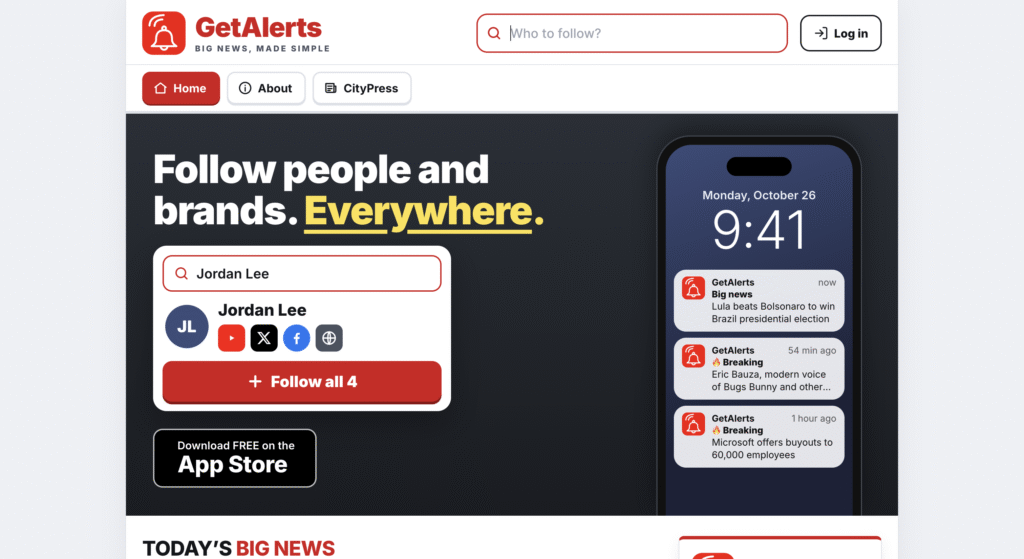
I’m the founder of Get Alerts. I led a major push to get this off the ground for years.
Getting started takes a few taps. You search for a person, a show or a website, or paste a link to one of their pages, and press Follow. A single “Follow everything” button covers all of a person’s accounts at once, so you don’t have to track them down one by one.
Once you follow a few, their newest posts fill your Home page. You can also set word alerts: pick a word or a name, and the app lets you know when it shows up.
On iPhone you can turn on alerts that appear on your lock screen. Every five minutes the app checks everyone you follow and your word alerts, and tells you when something new comes in. If your connection drops, it keeps showing the stories you last saw until it reconnects.
You sign in with your Google or Apple account, so there is no new password to remember.